Blog · Architecture & Tooling
Web-based IO-Link configuration vs heavy desktop tooling
Why modern automation teams choose zero-install browser engineering over 50 GB vendor suites for IODD editing, 3D station simulation, and commissioning.
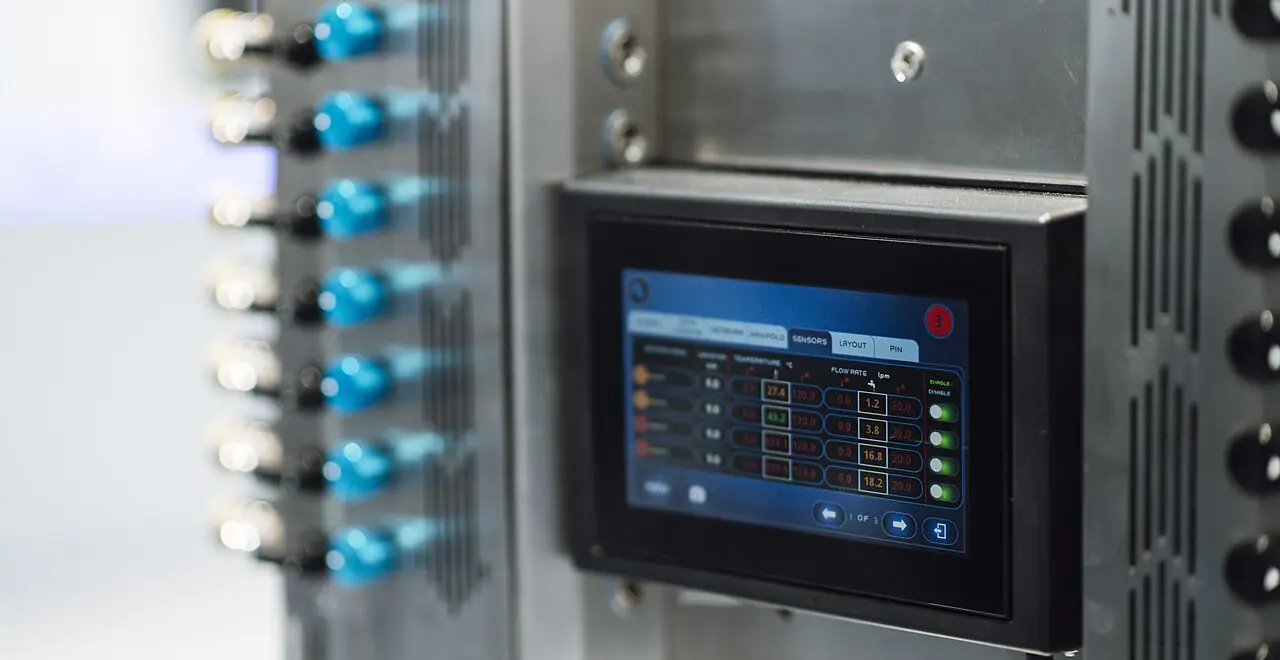
The traditional engineering bottleneck
For decades, configuring an IO-Link sensor or multiport master required installing monolithic engineering packages. Automators know the friction: installing gigabytes of proprietary software, managing dongles or license managers, wrestling with Windows-only dependencies, and dealing with version mismatches between engineering workstations and field maintenance laptops.
When an engineer on the plant floor merely needs to verify a switching threshold (SP1), inspect a sensor's cyclic process data structure, or validate a new IODD XML package, firing up a 50 GB engineering suite is inefficient. A lightweight, browser-based workflow eliminates this setup overhead entirely.
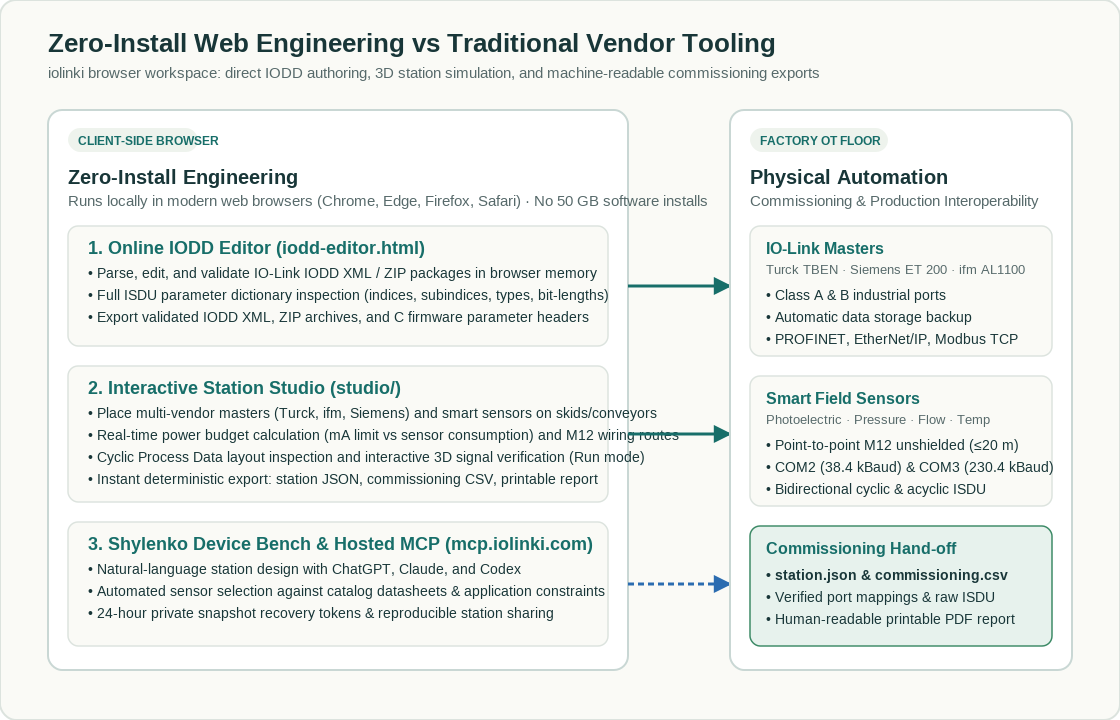
Comparing workflows: Web vs Desktop
| Capability | Traditional Desktop Suite | iolinki Web Workspace |
|---|---|---|
| Installation | 15–50 GB download; multi-hour install; administrator privileges required | Zero install. Runs instantly in any standard modern web browser |
| Operating System | Typically Windows 10/11 x64 only; hypervisor required on macOS or Linux | Cross-platform. Linux, macOS, Windows, ChromeOS, and tablets |
| IODD Validation | Proprietary catalogs; custom device integration (GSDML / EDS wrappers) | Official XSD validation. Inspect raw ISDU indices, subindices, and types |
| Data Privacy | Local disk or proprietary vendor cloud | Client-side only. Device files remain in your browser memory |
| Commissioning Hand-off | Proprietary project archives readable only by identical software versions | Open formats. Deterministic station.json, commissioning.csv, printable report |
1. Browser-based IODD editing and validation
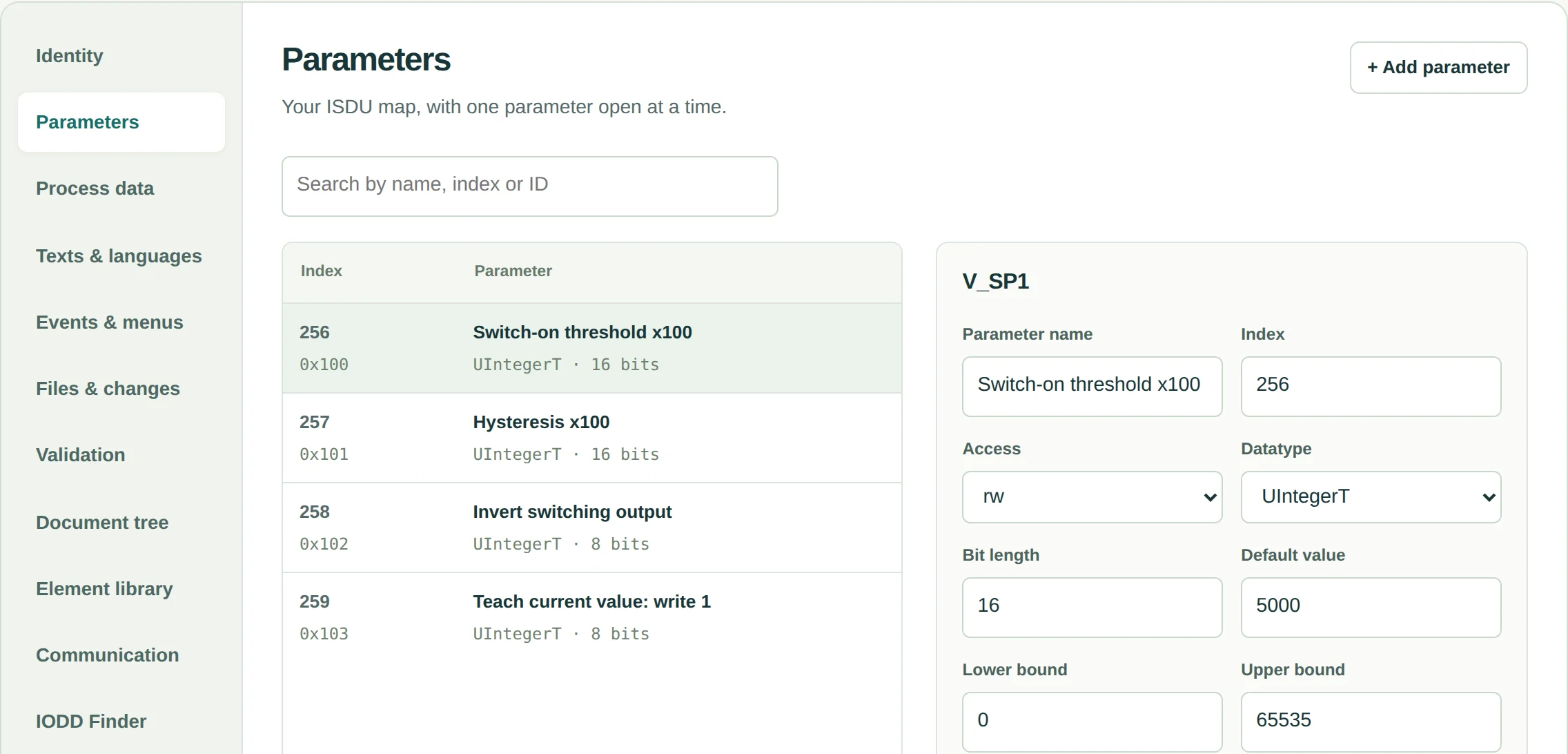
The iolinki IODD editor brings complete IO-Link Device Description creation and validation to the browser. Sensor developers and maintenance engineers can drag and drop any vendor's IODD XML or ZIP package to immediately inspect:
- Device Identity: Vendor ID, Device ID, product variant names, and hardware/firmware revision strings.
- Parameter Dictionary (ISDU): Comprehensive parameter index and subindex mapping, datatypes (UIntegerT, IntegerT, StringT), default values, and engineering units.
- Process Data Layout: Exact bit-level representation of input and output process data, bit offsets, and binary data channels (BDC).
- Firmware C Headers: Direct generation of C mapping headers for firmware implementation on microcontrollers.
2. Interactive 3D station simulation
Before ordering hardware or routing physical M12 cables, automation teams can simulate the complete station in iolinki Station Studio. The studio allows engineers to:
- Place industrial machines (conveyors, pipes, cabinets) and select verified IO-Link masters from Turck, ifm, and Siemens.
- Assign smart sensors to master ports (X1–X8) and configure target set points and reset points (SP1/rP1) against real datasheets.
- Compute port power budgets automatically (tracking sensor milliamp consumption against master port limits).
- Simulate signal dynamics in 3D: pressing Run animates machine movement and exercises live sensor outputs.
Every design can be exported immediately as standard engineering deliverables: a structured station.json topology file, a commissioning.csv table detailing raw hex values for PLC download, and a printable technical sign-off report.
Getting started
You can start designing stations and inspecting device packages right now:
- Open the Free online IODD editor to create or validate device description files.
- Launch the Station Studio to design and simulate your next IO-Link machine cell in 3D.
- Review the evaluation guide for integrating portable C device and master stacks.